Donations Welcome

I am currently saving toward a new version of Paint Shop Pro. If you wish to help me out, then please donate.

Larger versions of images can be seen by clicking on the image. Also, thank you for your kind and encouraging comments. I love reading the comments. If you use my any of freebies, I would be overjoyed with a comment containing a link to your item. I love seeing any of my freebies in use.

Thursday, July 31, 2008

Plugins Troubleshooting

The following error message:
Paint Shop Pro was unable to load the requested plug-in filter. The plug-in may not be installed properly or may be missing files.
is caused by a missing .DLL file. Most commonly, it is caused by lack or misplacement of MSVCRT10.DLL. It can also be caused by lack or misplacement of PLUGIN.DLL. These files do not come with Windows. To fix the problem, install MSVCRT10.DLL and/or PLUGIN.DLL into:


Operating SystemLocation
Windows 95 C:\Windows\System
Windows 98 C:\Windows\System
Windows ME Put Msvcrt10.dll in C:\Windows\System
Put Plugin.dll in C:\Windows
Windows NT 4.0 C:\WINNT\System32
Windows 2000 C:\WINNT\System32
Windows XP C:\Windows\System32
Windows Vista C:\Windows\System32
Windows Vista 64-bit C:\Windows\SysWOW64

PLUGIN.DLL is distributed with Adobe products like Photoshop, Photoshop Elements, Illustrator etc. It is technically a proprietary plugin, but you can find it all over the internet. You can also find msvcrt10.dll all over the internet. Other possible missing files are: msvcrt.dll, msvcrt20.dll and msvcrt40.dll. These files should come with your installation of windows.

What is a .DLL file?

DLL stands for dynamic link library. It is how Windows implements shared libraries. Msvcrt10.dll contains program code used to run programs written using Microsoft Visual C++. Msvcrt10.dll is required for programs written with Visual C++ to function correctly.

Monday, June 9, 2008

Potting an Orchid into Semi-Hydroponic Culture

1.  Obtain lightweight expanded clay aggregates (LECA).  I use Hydroton.

2.  New LECA needs to be washed before use because there is clay dust which is bad for the orchid roots.  I use a colander and run water over the pellets until the water is clear.  Or, you can soak in a bucket.  It takes about 3 exchanges of water to get rid of all the clay dust.

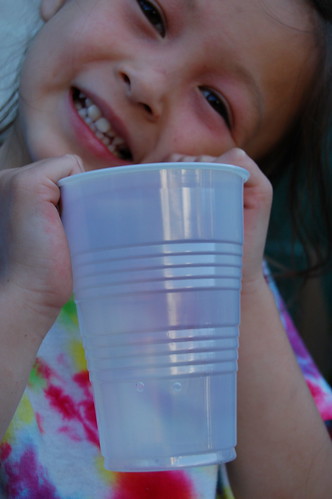
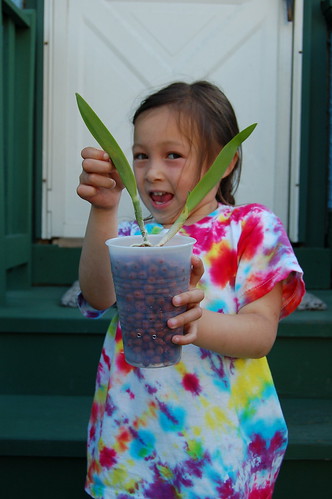
3.  Get a container for the orchid.  In this photo, I am using a 16oz plastic drinking cup.  Drill or melt holes about 1 inch from the bottom of the container.  The holes should be about 1/8-1/4 in. in diameter. There should 2-3 holes.  I melt my holes with a hot nail headed on my gas stove.  This is not ideal as I inhale plastic volatiles when the cup melts, but I try to hold my breath while melting.  It will work better when I get a functional fume hood.

The container

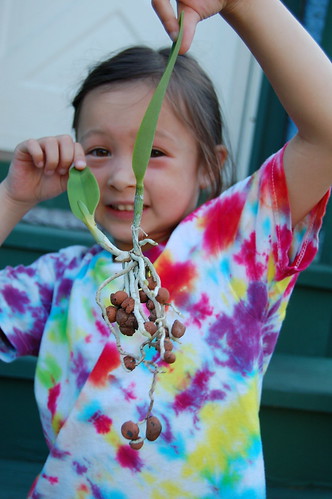
2.  Make sure the orchid roots are clean and remove any bark or moss from the roots.  Remove any dead roots.  In this photo, the orchid was previously in S/H, so the cleaning has already been done.

The orchid

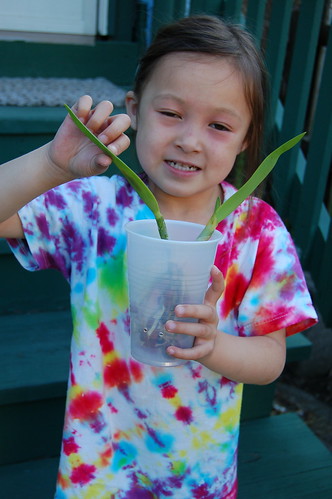
3.  Place the orchid in the container so that the base of the pseudobulb will be about 1/2 - 1 inch below the lip of the container.

Orchid in Container

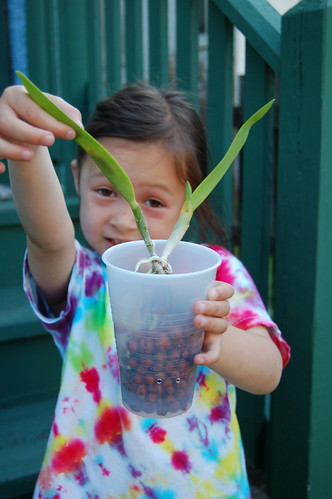
4.  Fill the container with the clean LECA.

Fill Container with Hydroton

Full Container

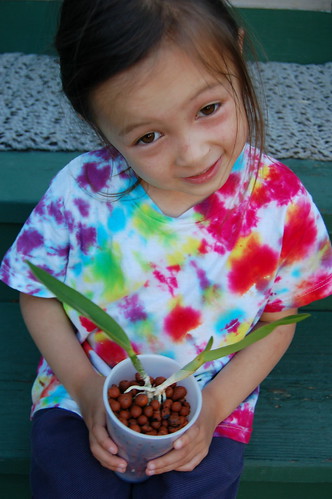
Here is a view of the container from the top after it has been filled.

Top View of Full Container

5.  Fill the container to the top with water and let it drain out.  The orchid has been potted and I water once a week afterwards.

Thursday, September 29, 2005

My Memes

If you like Memes, then I've created a few using Memegen. I'd like to write my own perl scripts, but I don't have a place where I could actually run them. Use the search form to find my memes at Memegen.